Version based roadmaps
Plan major and minor versions, set a clear goal for each release, and organize the roadmap items and spikes that bring those plans to life. Drag versions into place and the numbers follow.
 Project portfolio and management
Pandopus is the calm, focused home for your whole portfolio. Built for indie developers, solo founders, and small software teams, it lets you plan version roadmaps, track tickets, capture ideas, and guide every product from the first milestone through years of releases.


The panda is here because work should be a little fun. The octopus is here because you rarely have just one project on the go, and it takes eight arms to keep them all in the air without dropping any. Pandopus gives every project, and every moving part inside it, a place to live, so planning, building, tracking, and releasing all happen in a single dedicated workspace made for independent creators.
Roadmaps, versions, roadmap items, tickets, ideas, attachments, and releases all live together, so you always know where a project stands.
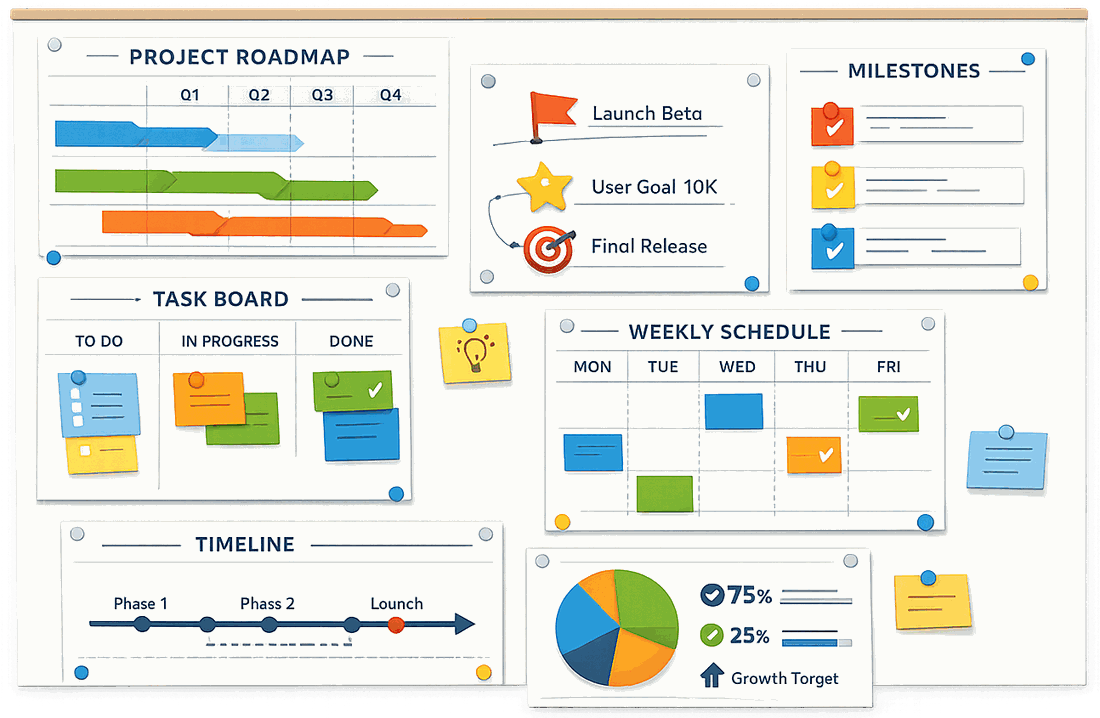
Plan the big picture and the daily work in the same calm, organized space.
Pandopus does not chase raw brainstorming. It begins the moment an idea has matured into a project worth building, and it stays with that product through MVP launch and years of future releases. Everything you need to guide a product lives in one structured home.
Plan major and minor versions, set a clear goal for each release, and organize the roadmap items and spikes that bring those plans to life. Drag versions into place and the numbers follow.
Track day to day work with a status, priority, and type, break big tickets into smaller pieces, and link them to roadmap items so an item finishes when its tickets do.
Catch a thought on your iPhone the moment you have it, or on your Mac, file it under one project, several, or none yet, and turn it into a ticket or roadmap item in the right version when it is ready.
Keep screenshots, photos, PDFs, and notes with the work they belong to, and open any of them in a full size preview without leaving the app.
Write the release notes and App Store listing, check that nothing is left open, then release. The version and everything in it are kept exactly as they shipped.
Every ticket gets a short number with its project's own prefix, like PND-42. Click it to copy, and search for it from anywhere to land on the ticket.
See what ships next, how complete each version is, what is blocked, and which projects have gone quiet, all at a glance.
Run as many projects as you like, organized by stage from Planned to Building and Testing, with a Live section for everything already out on the App Store.
Built on CloudKit, so your portfolio follows you across your Macs and your iPhone on the same iCloud account, with sync status always in view and no separate account to manage.
Find a project, roadmap item, ticket, or release from anywhere in your portfolio with a single search.
Your first launch comes with a complete sample project: a roadmap, tickets, and a release already out. See how everything fits before you add your own, then delete it.
Choose which columns each project's tickets show and how wide they are, open any ticket or roadmap item in a roomy sheet with a double click, and reach the rest from the menu bar and keyboard.
Give a platform its own release page when its notes or listing differ, and mark roadmap items and tickets for just the platforms they belong to.
Bring a roadmap in from a JSON file or send one out, move whole projects between Macs as files, and back up every project in one step.
Keep your Team ID, seller name, support addresses, and console links in one place, ready to copy, and filled into each new release for you.
Pandopus is the home for projects that are ready to become real products. Capture a thought in Ideas, promote it into a ticket or a roadmap item when it has earned a place, and shape it into a plan you can execute.

Turn roadmap items into tickets, split tickets into subtickets, and move work between versions as priorities change, all without losing valuable project history.

Progress dashboards roll up tickets and roadmap items so you can see what is done, what is blocked, and what stands between you and the next release.

One home for plans, work, ideas, and files means you stop scattering details across folders, notes apps, and spreadsheets.
Clear dashboards show exactly what needs attention, so you keep shipping instead of searching for where you left off.
Every version and release you ship is preserved, so the story of a product stays understandable years after you wrote the first line.
Pandopus assumes you run a whole portfolio. Track an ecosystem of apps in parallel and switch focus whenever you need to.
Pandopus is a project portfolio and management app for Mac and iPhone. It gives every software project a structured home with its own version roadmap, tickets, ideas, attachments, and release records, so you can run several products at once without losing track of any of them.
Indie developers, solo founders, and small software teams who ship more than one product. If you are juggling several apps and keeping the plan in scattered notes and spreadsheets, Pandopus is built for exactly that.
An issue tracker starts at the ticket. Pandopus starts at the version. You plan what a release is for, put roadmap items under it, then break those into tickets, so the day to day work always ties back to a release you are driving toward.
On your own devices, and in your own iCloud account when you are signed in. We do not run servers that hold your projects, and we cannot read what you write. See the Privacy Policy for the details.
Yes. Syncing runs on Apple CloudKit using the iCloud account you are already signed in to, so your portfolio follows you between your Macs and your iPhone with no extra account to create and nothing to configure.
Yes. The iPhone app is a companion to the Mac: see what ships next and what is blocked at a glance, browse each project's roadmap, add tickets and move them along, and capture ideas with photos while you are away from your desk. Deep planning, like shaping versions and preparing releases, stays on the Mac.
The help page walks through every part of the app on Mac and iPhone: projects, roadmaps, tickets, releases, ideas, and sync, with the keyboard shortcuts in one table. In the Mac app it is under Help in the menu bar. A new install also starts with an example project you can explore.
The app reports anonymous usage events, such as which screens and buttons are used, so we know what to improve. It never sends the content you create: no project names, titles, notes, file names, or search terms. The Privacy Policy lists exactly what is collected.
Download Pandopus for Mac and iPhone and give every project the structured, lasting home it deserves.